 SUP
SUPAgencies & production studios
You have the client and the concept. We make the tech inside it work by the opening date.
- We take on
- Feasibility, electronics, apps, install, support during the run.
Agencies and artists design the experience. We build the electronics and software for interactive installations in retail spaces and exhibitions, and keep them running from opening night to the last day.
The crew app from our installations, scaled down. Move the sliders or touch the rods.
A motion sensor only knows someone is there. Our rooms also notice how long people stay, how many came in and what happened a minute ago. Follow one visitor through three rooms.
From the first sketch to the last day of the show. You bring the concept and the venue. We work out how it runs, build it and stay with you through the run.
You have the client and the concept. We make the tech inside it work by the opening date.
You know how the piece should feel. We make it move, glow or respond, and last for weeks in public.
As a tech partner we mostly build for agencies and artists, so we don't show client names or finished spaces. The drawings show the systems we built. References on request.
Light-rod scenes, warmth and flavour stations, a sensor-triggered light wave and a crew tablet app.
Touch-screen app for guided and sound meditation, light and sound in sync. Rolled out across several stores.
In-store quiz played with a custom rotary controller. Several languages, one or two players, every round logged.
Projection, LEDs and a fan react when a visitor starts running on the treadmill.
Depth cameras track visitors and the showroom wall responds as they move.
Guests get a personal text written by AI, printed on the spot.
Physical knobs built into a showroom pillar, from components to install.
Two plinths with mini PCs, keyboards and buttons, supplied and collected after the event.
Three screens and one-touch presets, so hosts switch content themselves.
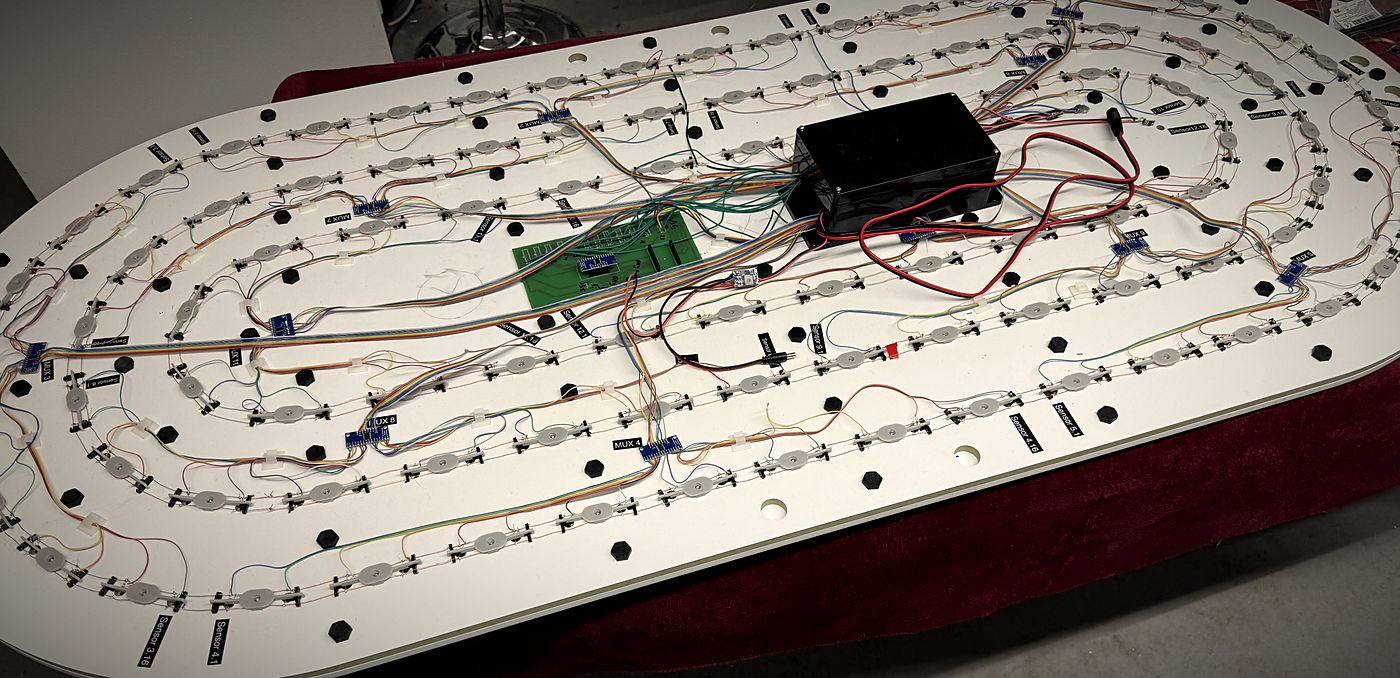
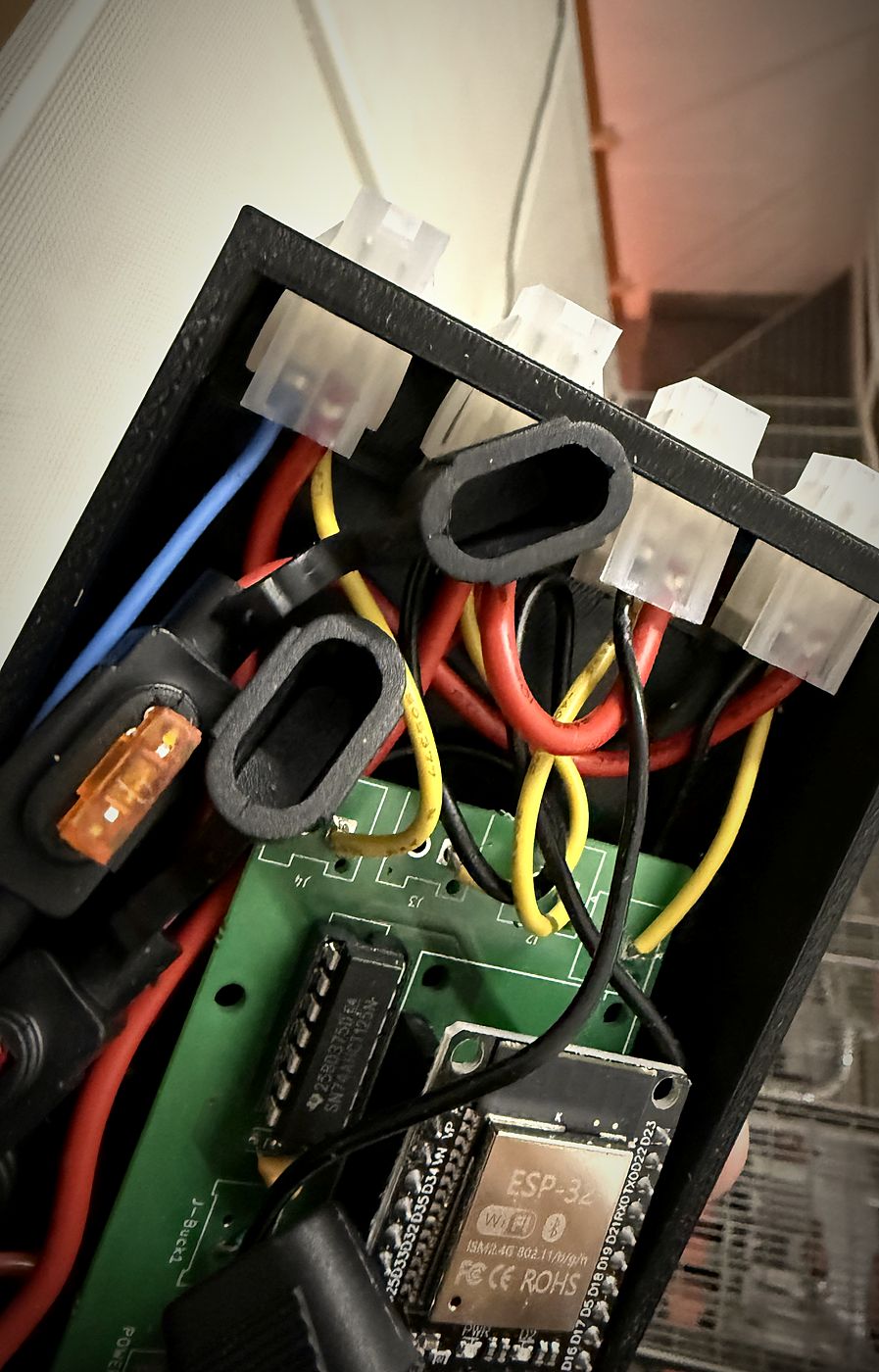
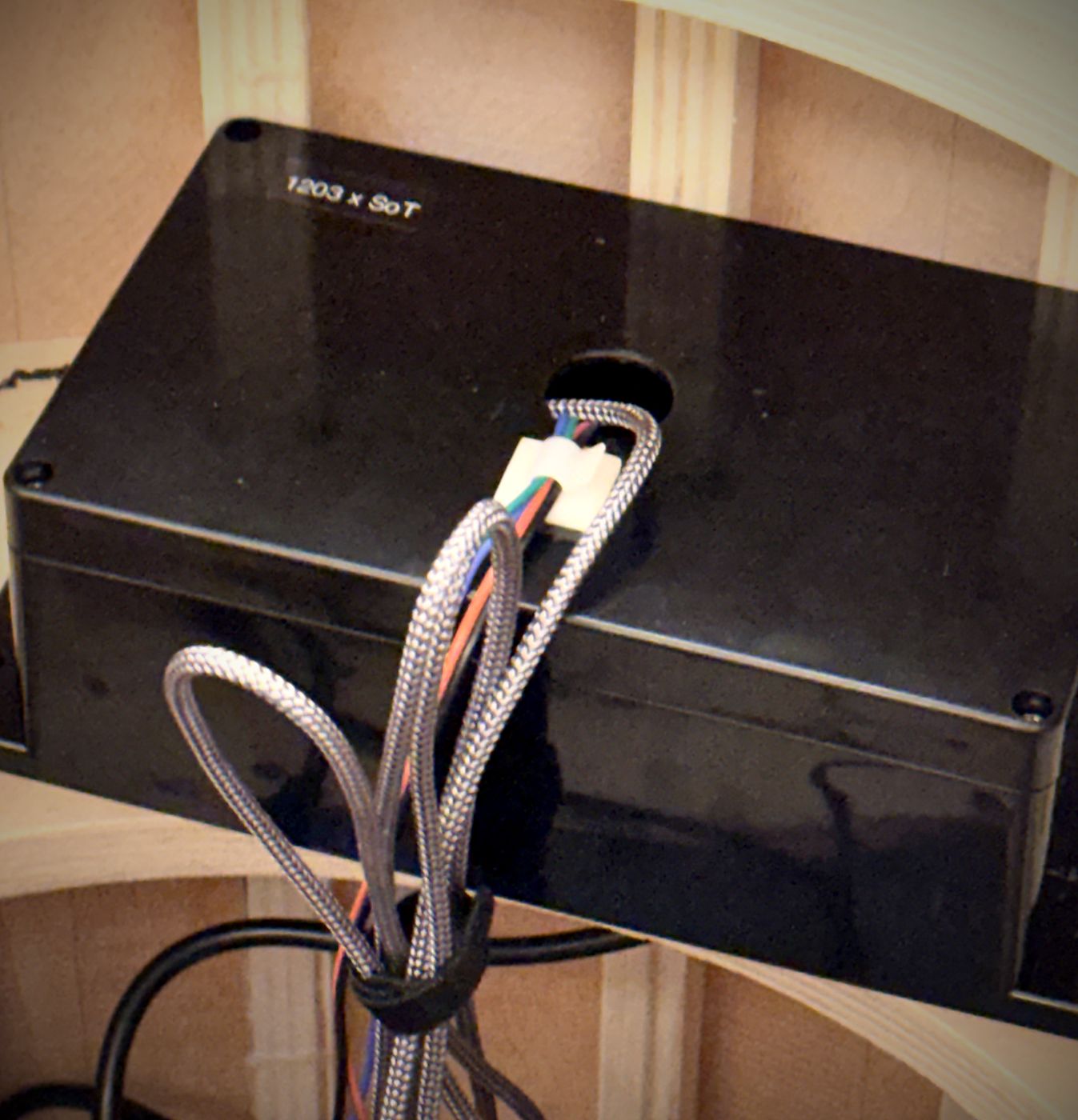
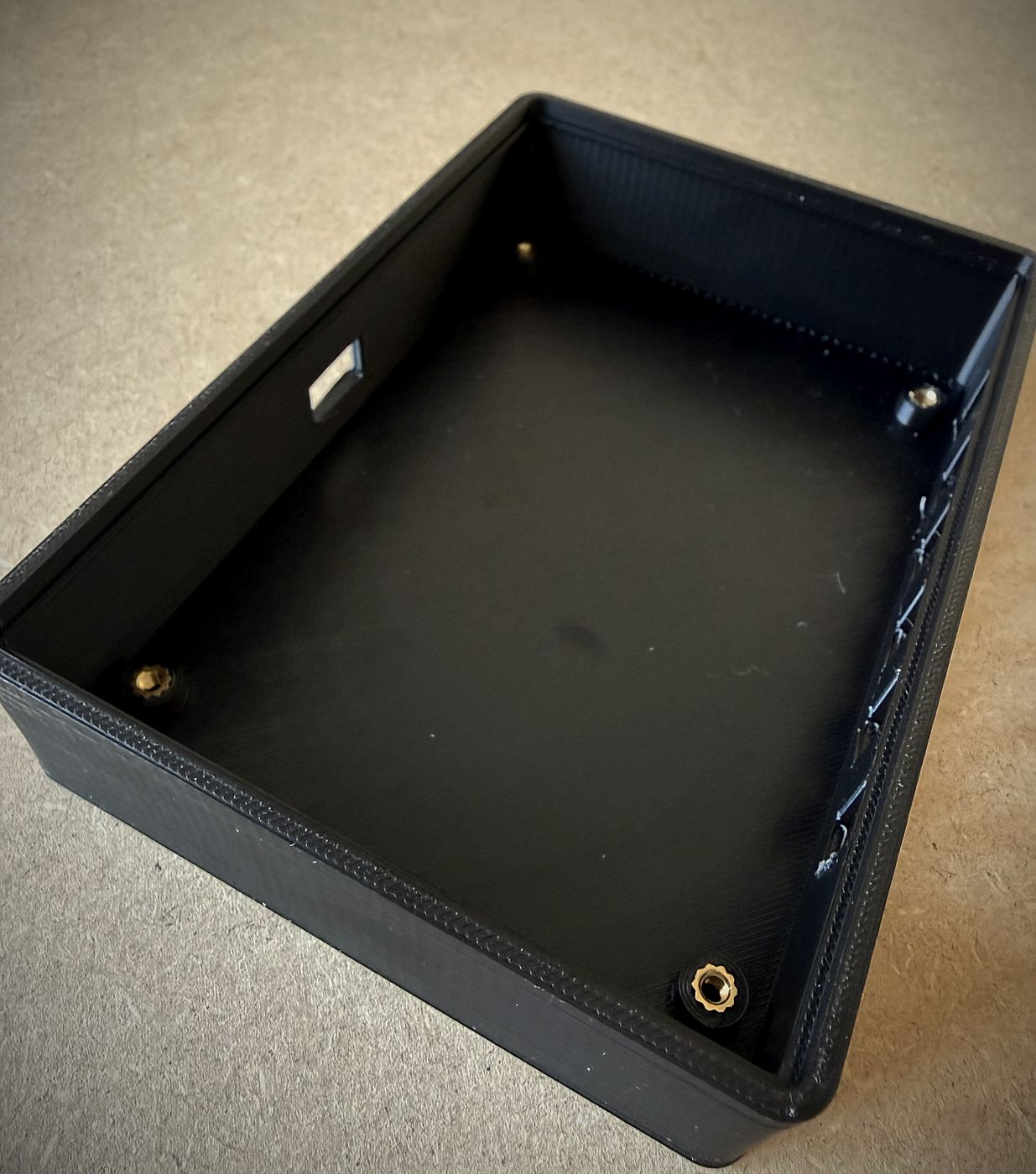
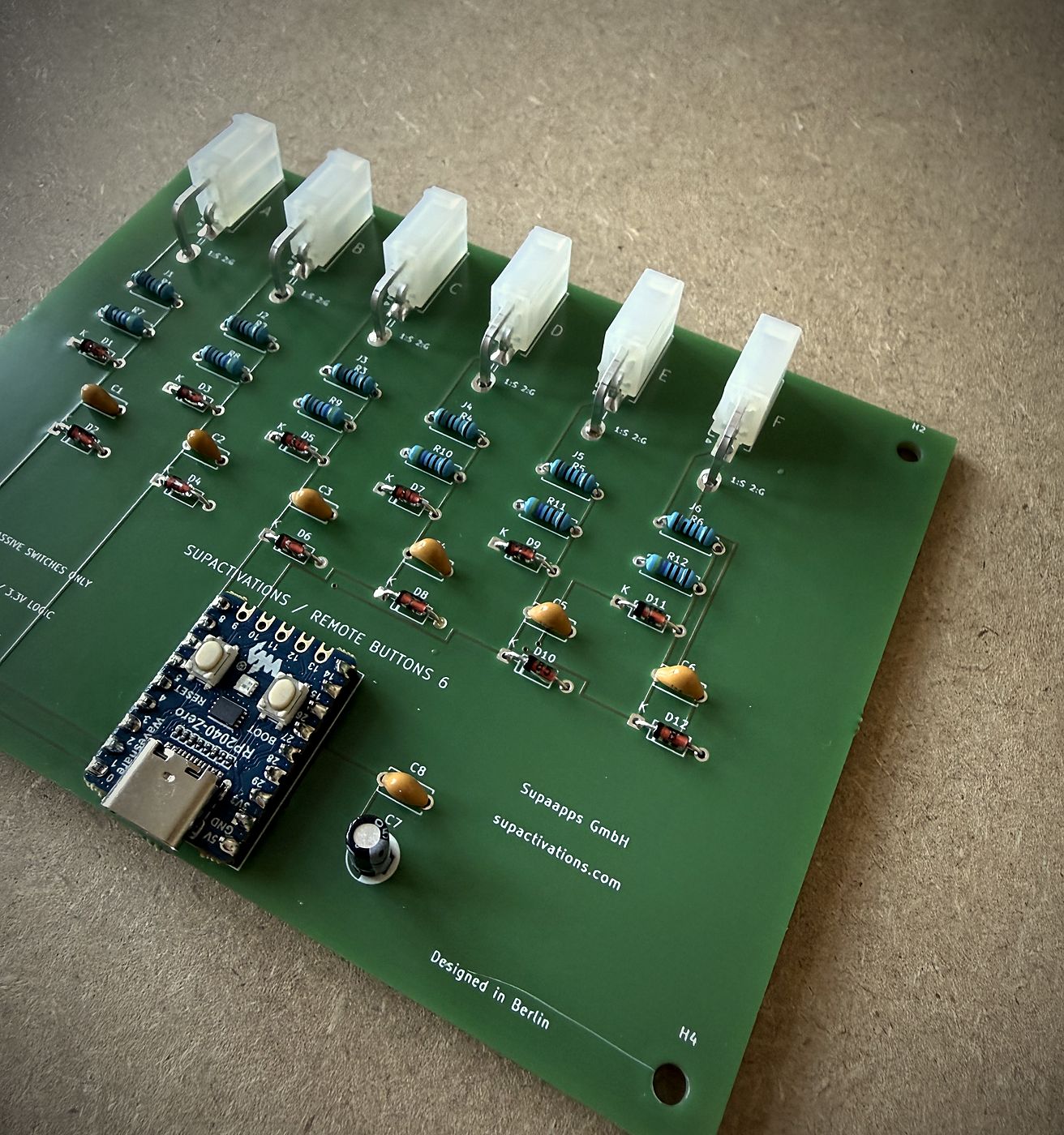
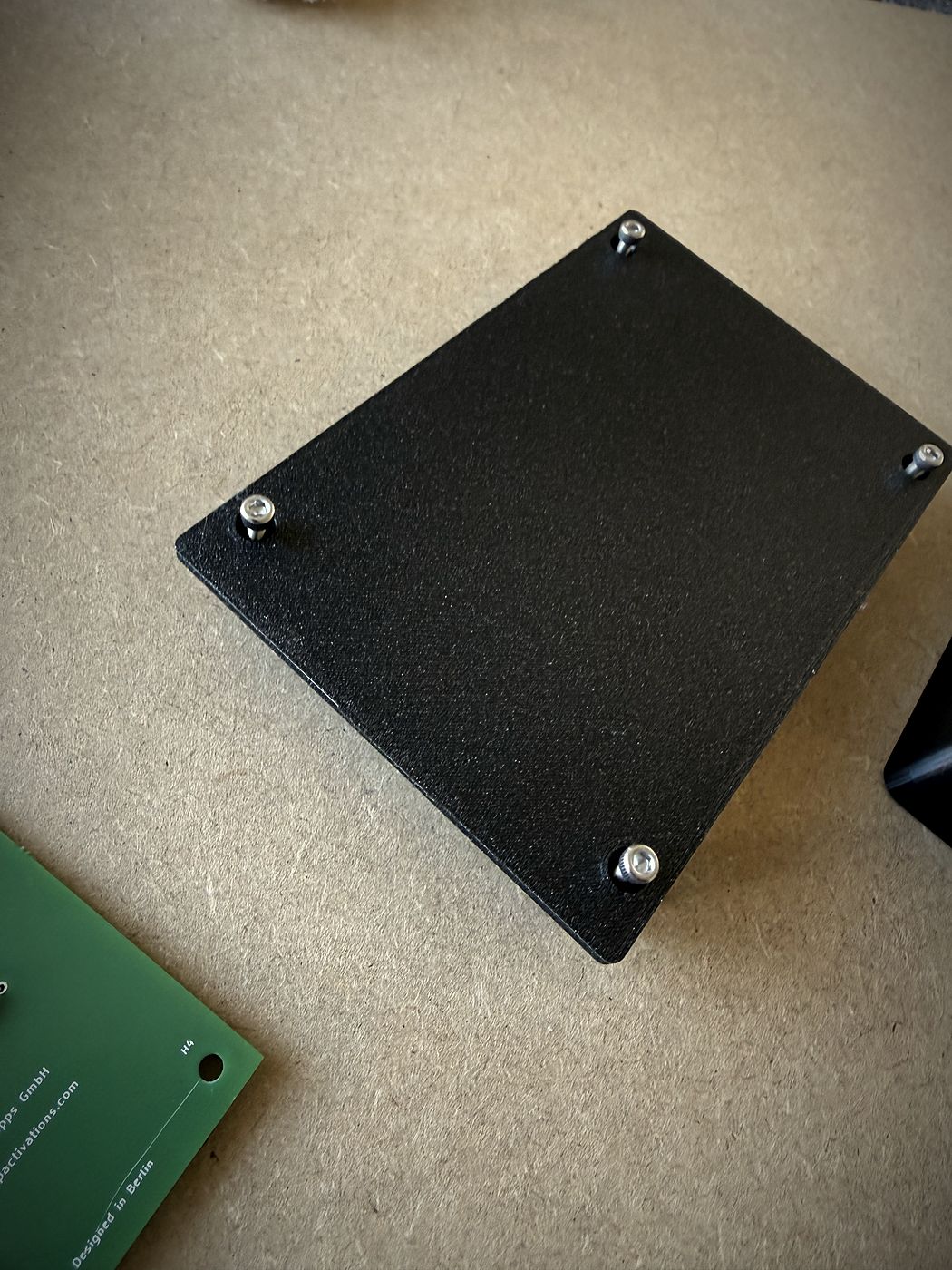
Lettered A to F, like the input channels on our own boards.
Rods, tables and walls run as one scene that changes with the people in the room.
Nebulizers release a fragrance at a set moment and zone, never too much.
Motors and winches lift and swing objects, like a ball on fishing line.
Touch-screen apps that guide a visitor or change what happens in the room.
Everything a visitor can press, turn or walk past.
A crew app, remote health checks and visitor numbers for the report.
Product names are trademarks of their owners. We use their products and are not affiliated with them.
We started as a software company. Every installation we build runs on our own platform.
Phygital OS connects sensors, buttons, lights, motors and screens and decides what happens when. It logs every event, so we can fix a room remotely and you get real visitor numbers at the end.
A registered trademark of Supaapps GmbH
If something is going to fail, we want it to fail on our table, not on opening night.
Concept, venue, dates. We tell you what's possible, the cost and the risks.
We build the hardest part first and get it working on the desk.
Boards, enclosures, wiring and software, tested together at full size.
On site with your production team, every scene tuned in the real room.
We watch the run, fix things fast and hand over the numbers.
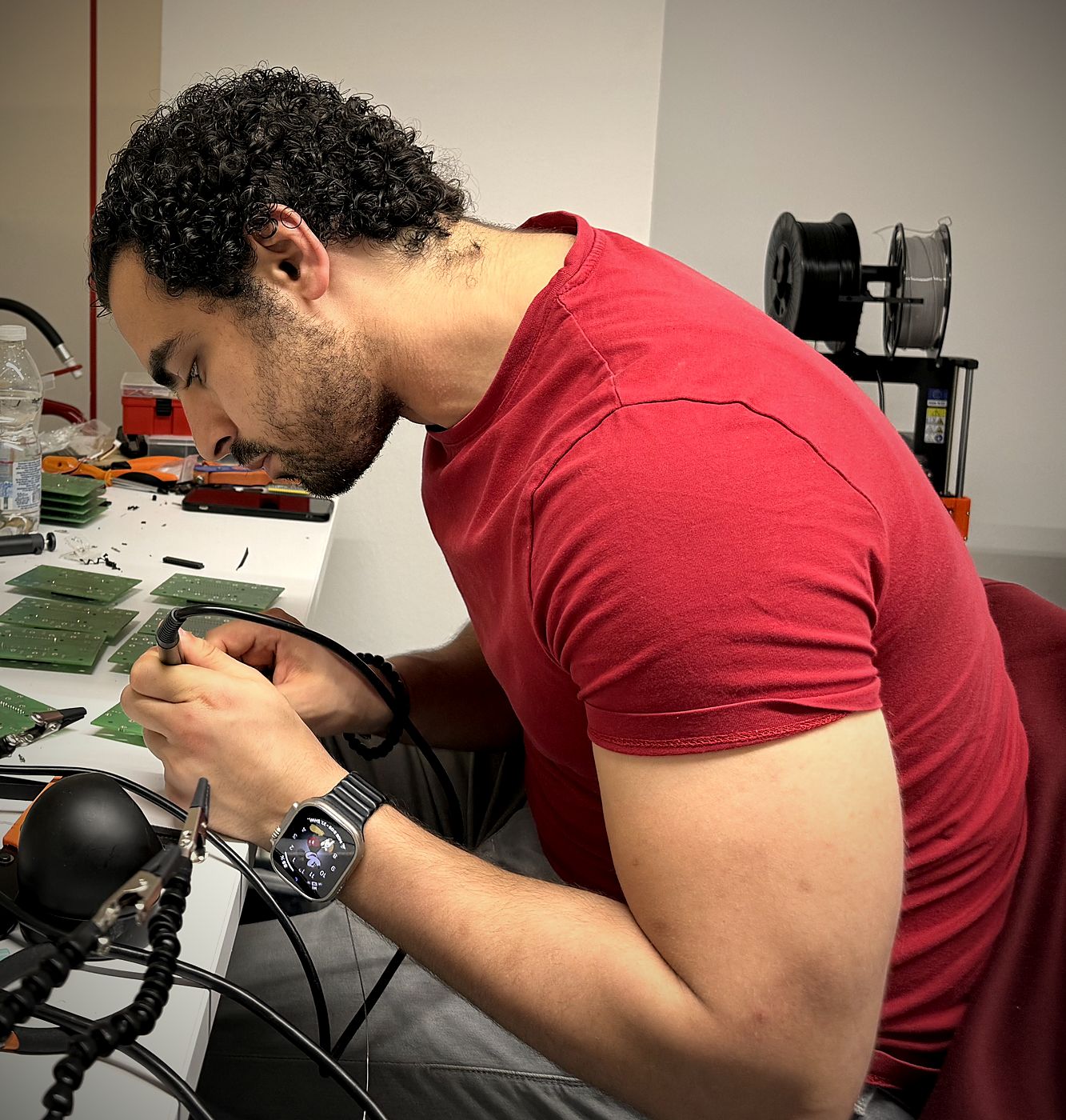
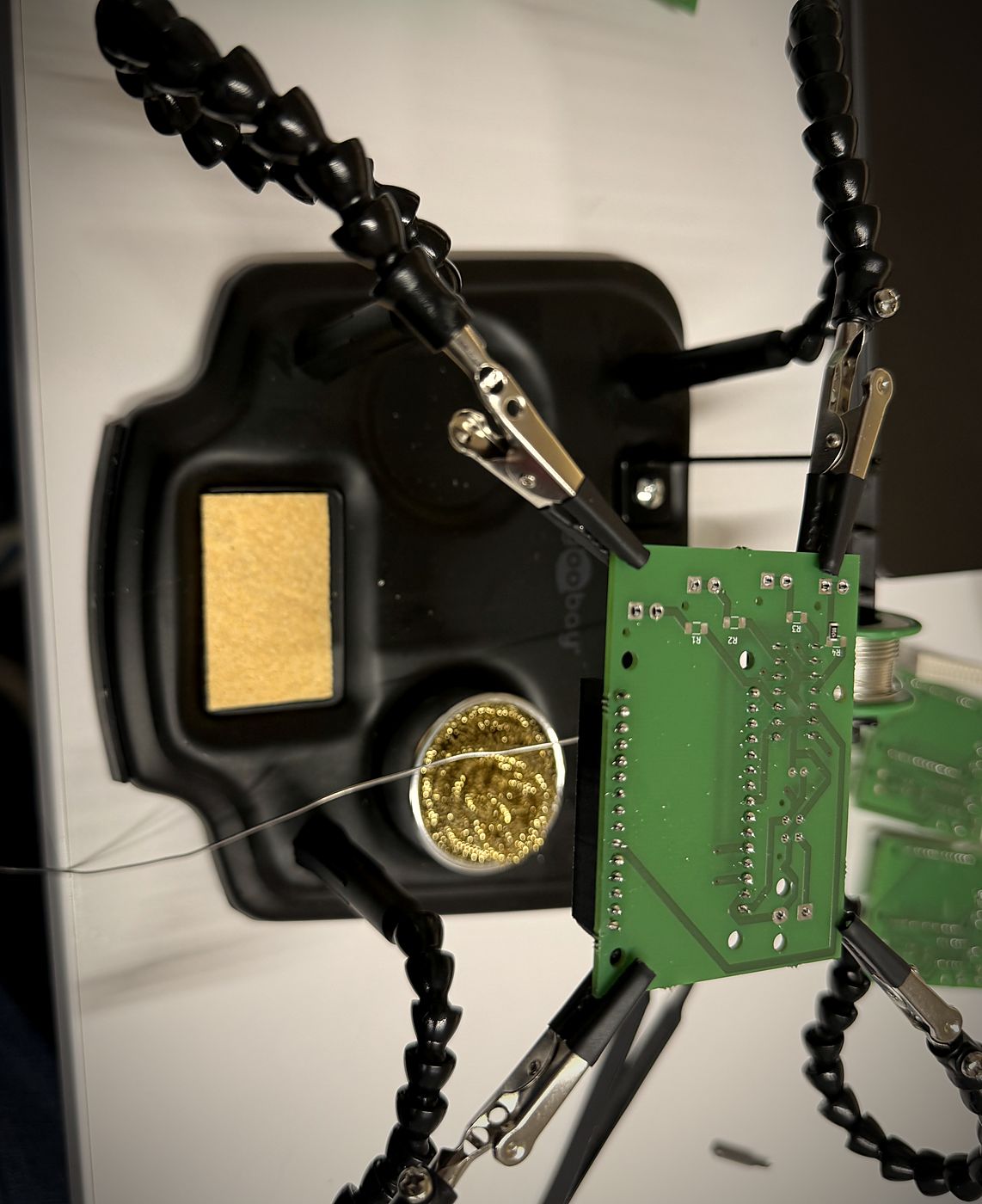
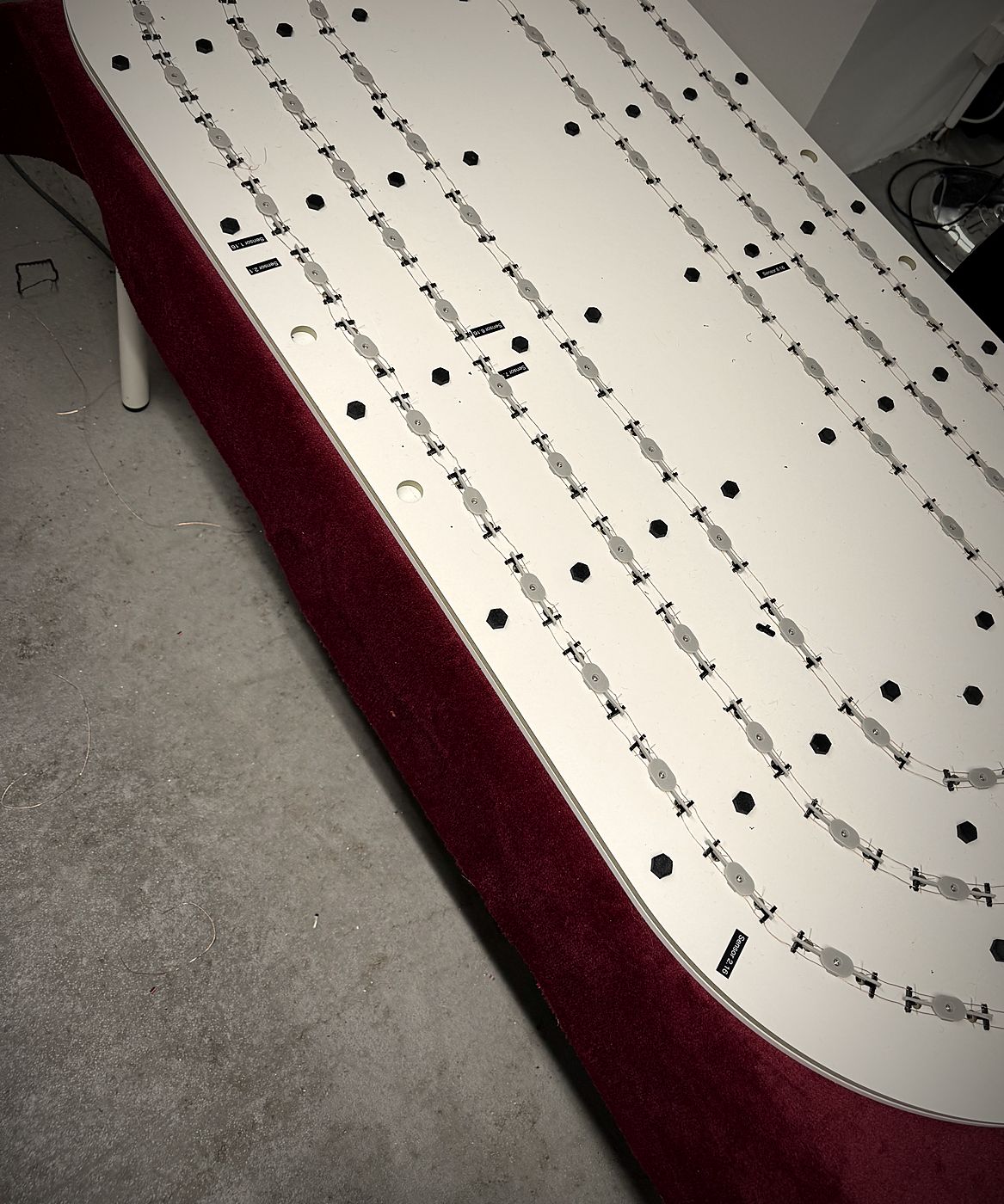
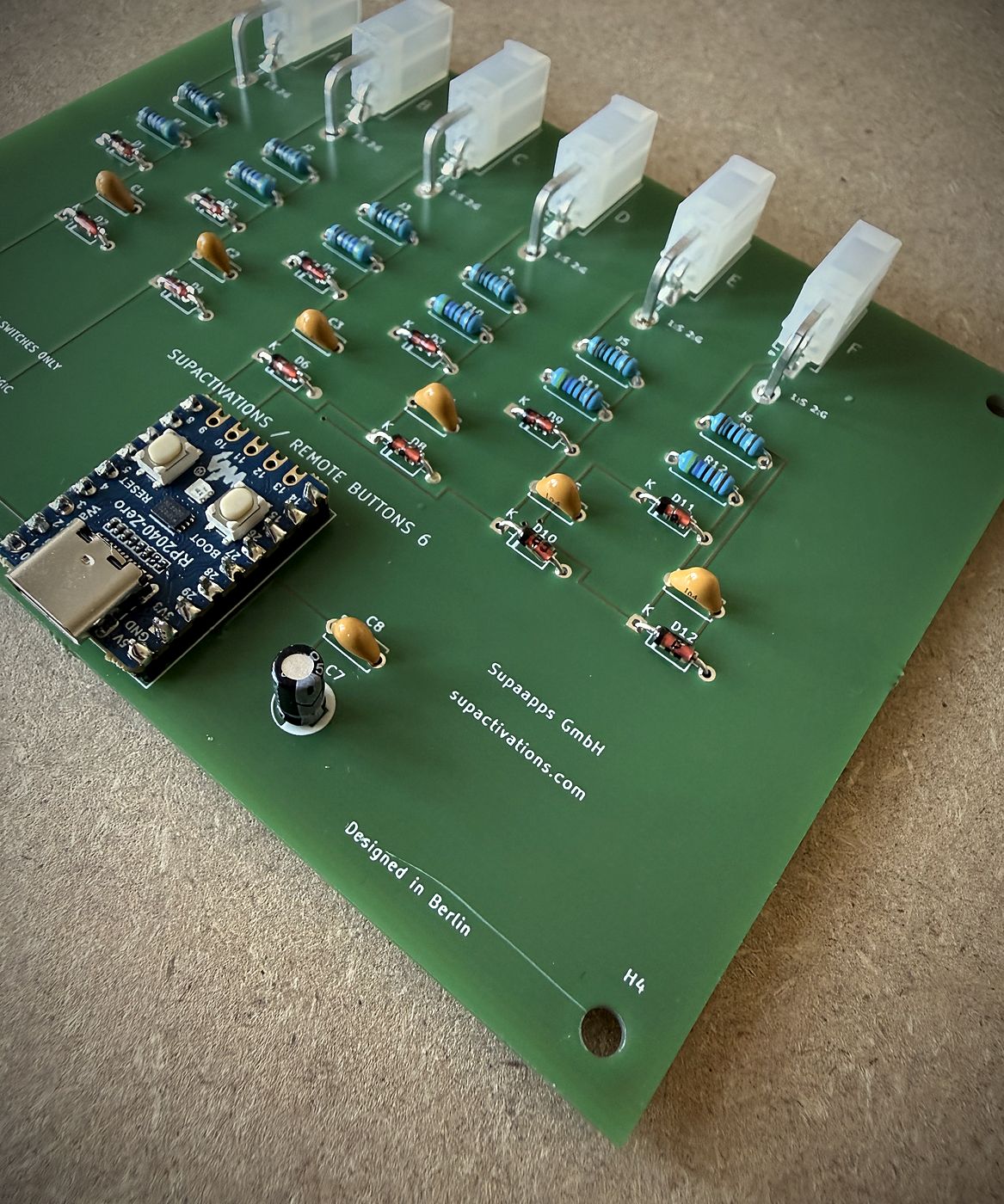
When standard parts don’t fit, we design our own. Remote Buttons 6 turns any six physical buttons into a controller for an installation.